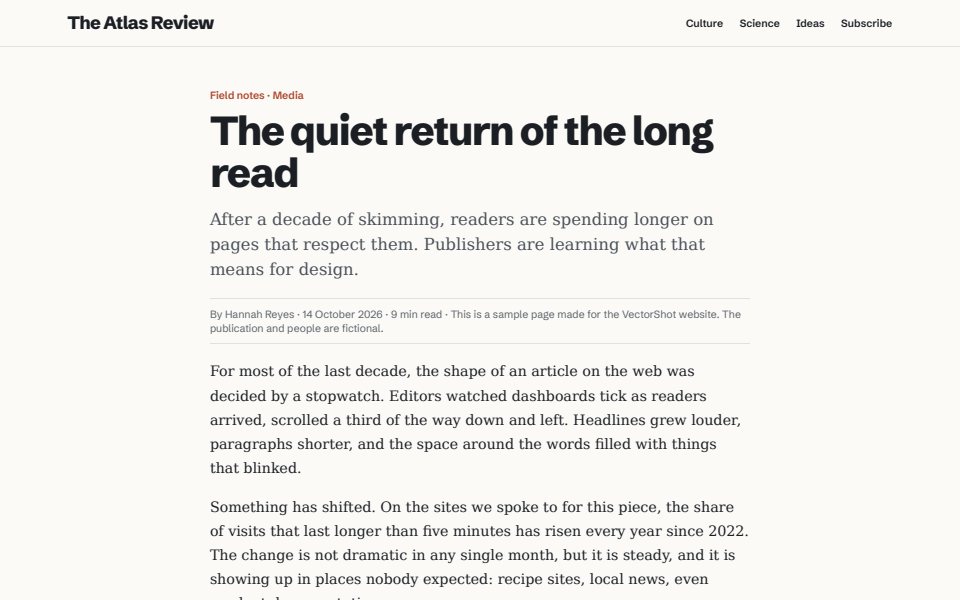
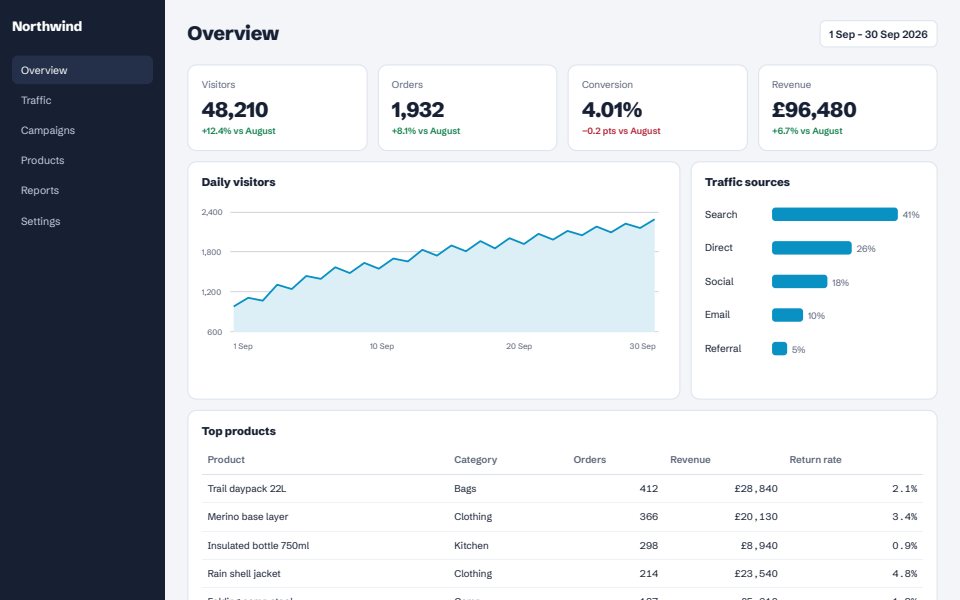
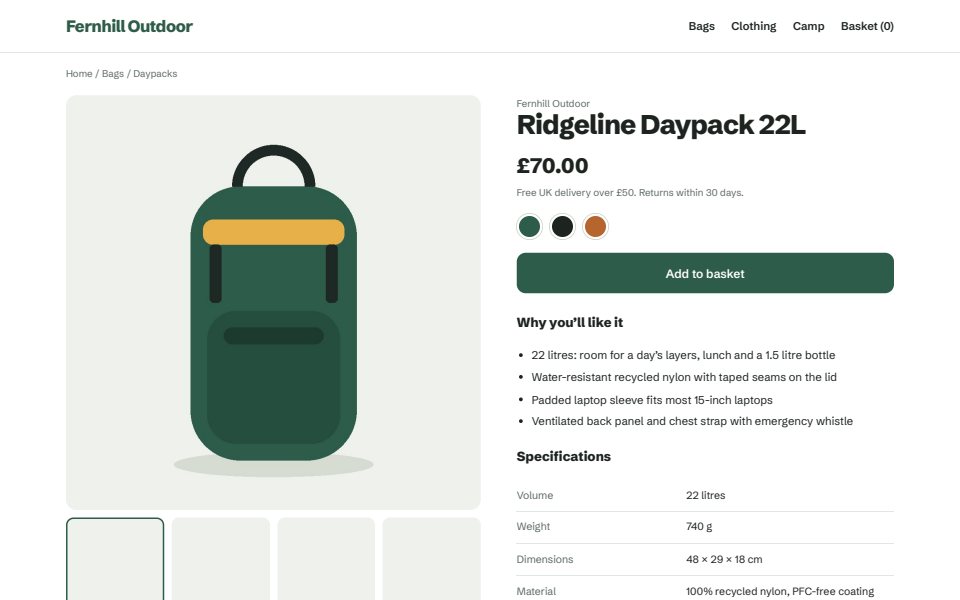
The whole page
Top to bottom in one file, as one long page or split into A4 or Letter. Images that only load as you scroll are loaded first.
Built for Amazon sellers: save the product page with the SellerAmp panel and the Keepa chart in one sharp PDF. Works on any web page too: the whole page, an area you drag, or a single section. Real text you can select and search, in a file that’s usually smaller than a screenshot.
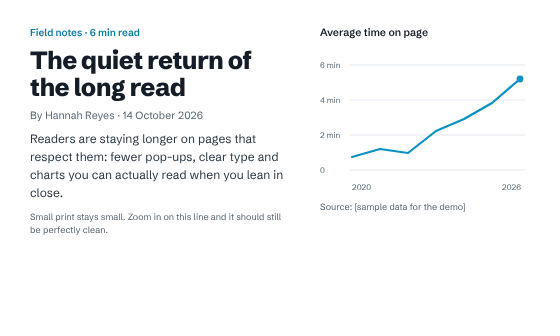
Keep a sourcing record you can trust: the listing, your SellerAmp numbers and the Keepa price history, saved together exactly as you saw them.
The SAS calculator panel is saved in the file, in its own place on the page.
The price history is saved as vector lines, so it stays sharp when you zoom in.
Title, price, buy box, panel and chart in a single file, ready to share with your team or VA.
ASINs, prices and ranks stay real text you can select, copy and search.
Guides: Amazon page with SellerAmp and Keepa, a sharp Keepa chart, a whole product page.
Three ways in, one click each. Save as a vector PDF, an HD image PDF at up to 4x, or a PNG.
Top to bottom in one file, as one long page or split into A4 or Letter. Images that only load as you scroll are loaded first.
Keep dragging past the bottom of the window and the page scrolls with you, so one selection can cover a whole thread.
Hover a part of the page and click. VectorShot saves exactly that block, at its exact size, with nothing around it.
Share the page, not your details. Swap your name, email or city for anything you like, blur what should stay private, and clear the clutter before you save.
The page is scrolled through first, so every picture is there.
Dashboards and inboxes are opened up so the whole list is saved.
Shown once at the top, not repeated down every page.
Kept at the height you saw, never stretched across the file.
Every file is made on your own computer. There’s no account and no upload, and it works offline. Turn off your Wi-Fi and try it.
Download a real VectorShot PDF, open it and zoom as far as your reader goes. The pages are samples we made; the files are exactly what the extension saved.
You’ll get your Pro code on WhatsApp and by email, usually within a few hours. Paste it in VectorShot under Plan, then Enter Pro code. Each PKR code works on one computer; for another computer, send us its Computer ID too.
Really vector. Text stays text and shapes stay shapes, so you can select, search and zoom without losing quality. If you want an exact picture of the screen instead, choose HD image PDF.
Print to PDF uses the site’s print layout, which often hides parts of the page or breaks it across pages. VectorShot keeps what you see on screen, can save just an area or a section, and cleans up pop-ups first.
That notice appears whenever an extension uses Chrome’s own engine to print or render a page. It shows only while a save is running and goes away when the file is ready.
Chrome’s own pages, the Chrome Web Store and Chrome’s built-in PDF viewer can’t be saved by any extension. Pages that keep loading forever are saved up to a very long limit.
Yes. Open “Paying from Pakistan?” under the prices, send the amount with JazzCash, Easypaisa, SadaPay or NayaPay, and send us the screenshot on WhatsApp. We’ll send your Pro code, usually within a few hours.
Yes, any time. Pro keeps working until the end of the period you paid for.
“I design Amazon listing images and brand visuals for clients in the US and Europe. Screenshots of web pages kept falling apart the moment a client zoomed in, so I built the tool I wanted.” — OSG, maker of VectorShot